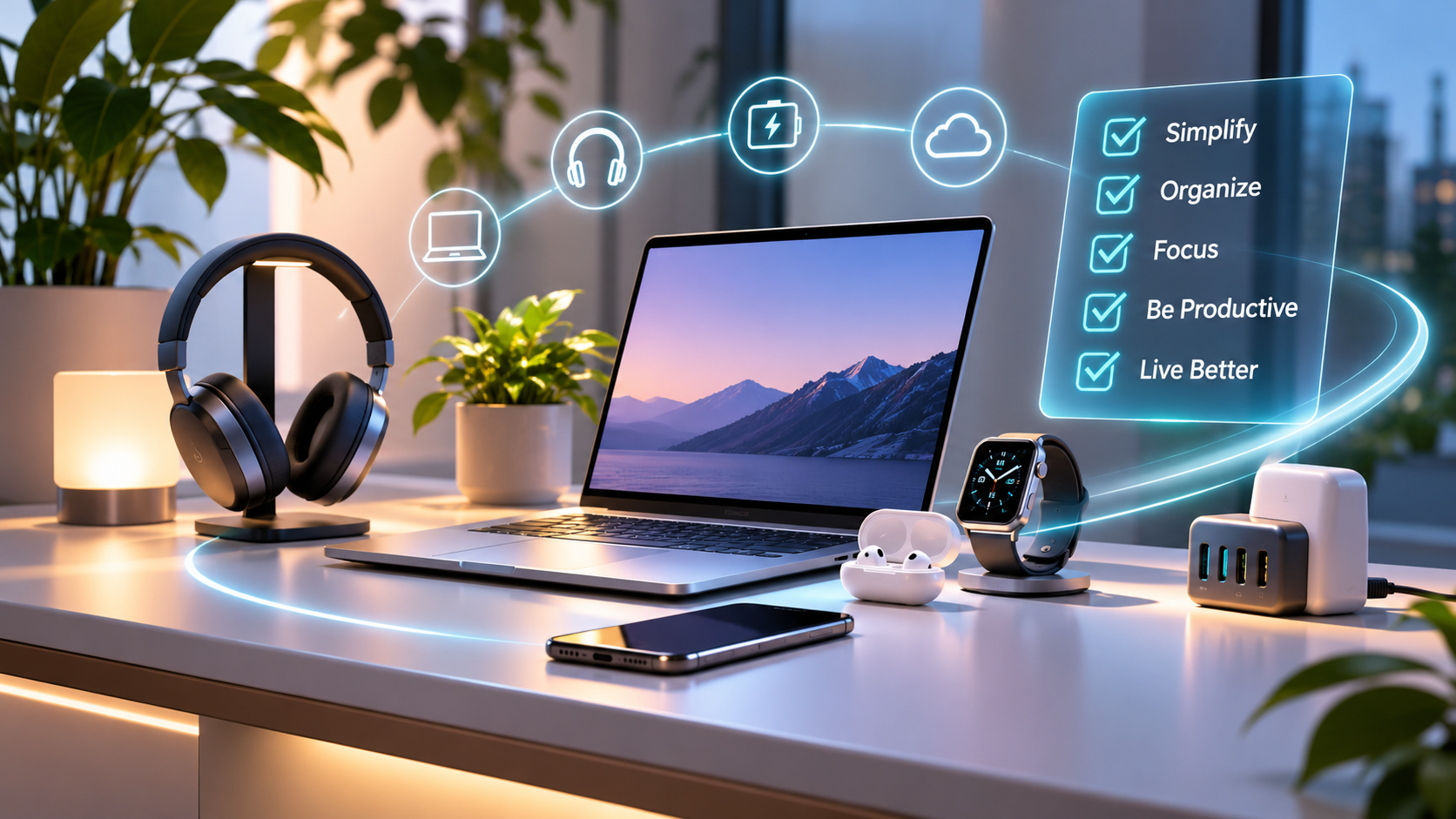
Technology should make life easier, not more complicated.
From smartphones and laptops to wireless earbuds, smartwatches, chargers, and digital applications, technology plays an important role in how we work, communicate, learn, and relax.
But as we accumulate more devices and digital services, our everyday routines can become increasingly complex.
Multiple charging cables, unnecessary notifications, unused applications, and overlapping gadgets can create distractions rather than convenience.
This is where digital minimalism offers a different approach.
Digital minimalism is not about avoiding technology. It is about making thoughtful choices, reducing unnecessary complexity, and building a technology environment that genuinely supports your lifestyle.
In this guide, we explore practical ways to simplify your digital experience while getting greater value from the devices you already own.
1. What Is Digital Minimalism?
Digital minimalism is the practice of using technology intentionally.
Rather than adopting every new device, application, or digital trend, it encourages us to focus on technology that delivers meaningful value.
A minimalist digital lifestyle typically emphasizes:
✅ Purposeful technology choices — using devices that meet real needs.
✅ Reduced digital distractions — managing notifications and unnecessary applications.
✅ Simplified device setups — avoiding overlapping gadgets and accessories.
✅ Better organization — keeping workspaces and digital environments efficient.
✅ Long-term value — choosing reliable products instead of upgrading unnecessarily.
The central principle is simple: Technology should serve your lifestyle, not control it.
2. Simplify Your Everyday Technology
Many people own multiple devices that perform similar functions.
A smartphone, tablet, laptop, and desktop computer can all provide access to email, entertainment, messaging, and online services.
Although each device may have a legitimate purpose, owning more devices does not necessarily improve productivity.
Identify Your Essential Devices
Start by evaluating which devices you regularly use.
For many people, a practical technology setup includes:
A reliable smartphone for communication, navigation, and everyday applications.
A capable laptop for professional work, education, or creative activities.
Comfortable wireless earbuds or headphones for meetings, music, and entertainment.
A dependable charging solution for keeping essential devices powered.
Additional technology should provide a clear benefit rather than simply adding another device to maintain.
💡 Ampeze Insight: Before purchasing something new, ask yourself whether it solves a problem that your existing technology cannot handle effectively.
3. Create a Cleaner, More Productive Workspace
Your workspace influences how comfortably you interact with technology.
An overcrowded desk, tangled cables, and poorly positioned devices can make everyday tasks unnecessarily frustrating.
A thoughtfully organized workspace helps create a more comfortable and focused environment.
Choose Comfortable Accessories
A well-designed keyboard and mouse can improve your everyday computing experience.
Consider comfort, connection reliability, compatibility, and build quality rather than appearance alone.
Reduce Cable Clutter
Use cable organizers, suitable charging accessories, and wireless peripherals where practical.
A cleaner desk can make devices easier to access and maintain.
Improve Screen Positioning
Position your laptop or monitor at a comfortable viewing distance and height.
Depending on your working environment, a laptop stand or external monitor may help improve ergonomics.
Keep Only What You Need
Store rarely used accessories and remove unnecessary items from your immediate workspace.
A minimalist workspace does not have to be empty. It simply needs to be functional.
4. Simplify Your Charging Setup
Charging is an essential part of modern digital life.
Smartphones, laptops, earbuds, tablets, and other accessories often require different power levels and charging arrangements.
A well-planned charging setup can reduce unnecessary accessories and make everyday routines more convenient.
Consider a Multi-Port Charger
A suitable multi-port charger may power several compatible devices from one outlet.
Before purchasing, check:
* Total charging output.
* USB-C Power Delivery support.
* Power distribution when multiple devices are connected.
* Device compatibility.
* Safety certifications and manufacturer specifications.
Choose Reliable Cables
Not all USB-C cables support the same charging speeds or data-transfer capabilities.
Select cables that meet the power and connectivity requirements of your devices.
Keep a Suitable Power Bank
A power bank can be useful for commuting, travel, and long working days.
Consider capacity, output power, portability, and safety features.
⚡ Important: Always use compatible charging accessories and follow the device manufacturer's recommendations.
5. Reduce Digital Distractions
Digital minimalism extends beyond physical devices.
Applications, notifications, messages, and online platforms compete for our attention throughout the day.
While many of these services are useful, excessive interruptions can make it difficult to concentrate.
Five Ways to Regain Control
1. Disable unnecessary notifications. Keep alerts for important communication and essential services.
2. Organize your home screen. Make frequently used applications easy to find.
3. Remove unused applications. Periodically review apps you no longer need.
4. Use focus modes. Reduce interruptions during work, study, or personal time.
5. Review your digital habits. Identify activities that consume time without providing meaningful value.
The objective is not to eliminate entertainment or social interaction.
Instead, it is to make technology use more intentional.
6. Choose Accessories That Work Across Devices
One of the most effective ways to simplify your technology setup is to choose versatile accessories.
Instead of purchasing separate accessories for every device, look for products that support multiple compatible devices.
Examples include:
* Multi-device Bluetooth mice that switch between supported computers.
* USB-C chargers that support different compatible devices.
* Wireless headphones with multipoint connectivity.
* Portable SSDs for transferring and backing up important files.
* USB-C hubs that expand laptop connectivity.
However, compatibility should always come first.
A product is only versatile when it reliably works with your existing devices and software.
💡 Ampeze Insight: A carefully selected accessory that serves several purposes may provide better long-term value than multiple specialized products.
7. Buy Better, Not More
Technology manufacturers regularly introduce new products with improved specifications, designs, and features.
Although innovation creates valuable opportunities, frequent upgrades are not always necessary.
A thoughtful purchasing strategy focuses on practical benefits rather than marketing excitement.
Questions to Ask Before Buying
Do I genuinely need this product?
Identify the specific problem it will solve.
Will I use it regularly?
A product used daily may offer greater value than an expensive accessory used occasionally.
Does it work with my existing devices?
Check compatibility before purchasing.
Is it designed for long-term use?
Consider durability, warranty coverage, software support, and build quality.
Does the price reflect meaningful value?
Premium technology should ideally provide noticeable improvements in reliability, performance, comfort, or functionality.
The best technology purchase is not necessarily the newest. It is the one that consistently meets your needs.
8. Build a Smarter Travel Technology Kit
Travel often reveals how complicated our technology habits have become.
Carrying multiple chargers, cables, adapters, and devices can increase luggage weight and make important accessories easier to misplace.
A compact travel kit can help simplify the experience.
Essential Travel Technology
📱 Smartphone — communication, navigation, and travel information.
🔋 Power bank — backup power for compatible devices.
🔌 Compact charger — preferably supporting several compatible devices.
🎧 Wireless earbuds — calls and entertainment.
💻 Laptop — when needed for work or study.
🎒 Cable organizer — keeping accessories accessible and protected.
For international travel, verify plug compatibility, voltage requirements, and airline rules concerning lithium batteries and power banks.
A thoughtfully prepared travel kit makes it easier to stay connected without carrying unnecessary equipment.
9. Take Better Care of the Technology You Own
Digital minimalism also encourages responsible device ownership.
Replacing devices less frequently can reduce unnecessary spending and electronic waste.
Simple maintenance habits can help extend the useful life of your technology.
Keep Software Updated
Install supported operating-system and security updates to maintain compatibility and protection.
Maintain Reliable Backups
Protect important files through suitable cloud storage, external drives, or a combination of both.
Clean Devices Properly
Follow manufacturer instructions when cleaning screens, keyboards, charging ports, and accessories.
Protect Battery Health
Avoid excessive heat and follow recommended charging practices.
Review Storage and Applications
Remove unnecessary downloads and applications while keeping important files organized.
🌱 A longer-lasting device can be better for both your budget and the environment.
10. Build a Technology Lifestyle That Adapts to You
Technology will continue evolving.
Artificial intelligence, wireless connectivity, charging standards, and intelligent software are creating new opportunities to simplify everyday activities.
But more advanced technology does not automatically create a better lifestyle.
The real benefit comes from choosing devices and services that fit naturally into your routine.
A thoughtful digital setup should be:
* Practical — designed around everyday needs.
* Reliable — dependable during regular use.
* Comfortable — suitable for your working and personal environment.
* Flexible — adaptable as your needs change.
* Efficient — reducing unnecessary complexity.
Rather than chasing every new trend, focus on building a technology environment that continues delivering value.
Final Thoughts: Make Technology Work for You
Digital minimalism is not about owning the fewest devices possible.
It is about creating a digital environment where every device, accessory, and application has a meaningful purpose.
By simplifying your workspace, reducing distractions, choosing versatile accessories, and purchasing more intentionally, you can build a technology lifestyle that feels organized, efficient, and enjoyable.
Smarter living is not about having more technology. It is about getting more value from the technology you choose.
At ampeze, we believe that better technology experiences begin with informed decisions.
Explore practical buying guidance, technology insights, and carefully selected products at ampeze.com.
Editorial note: Product compatibility, charging performance, and supported features vary by manufacturer and device model. Always verify specifications and safety requirements before purchasing.
Explore more
Discover technology that fits your everyday life.
Explore our latest technology and accessories.
Explore our website